
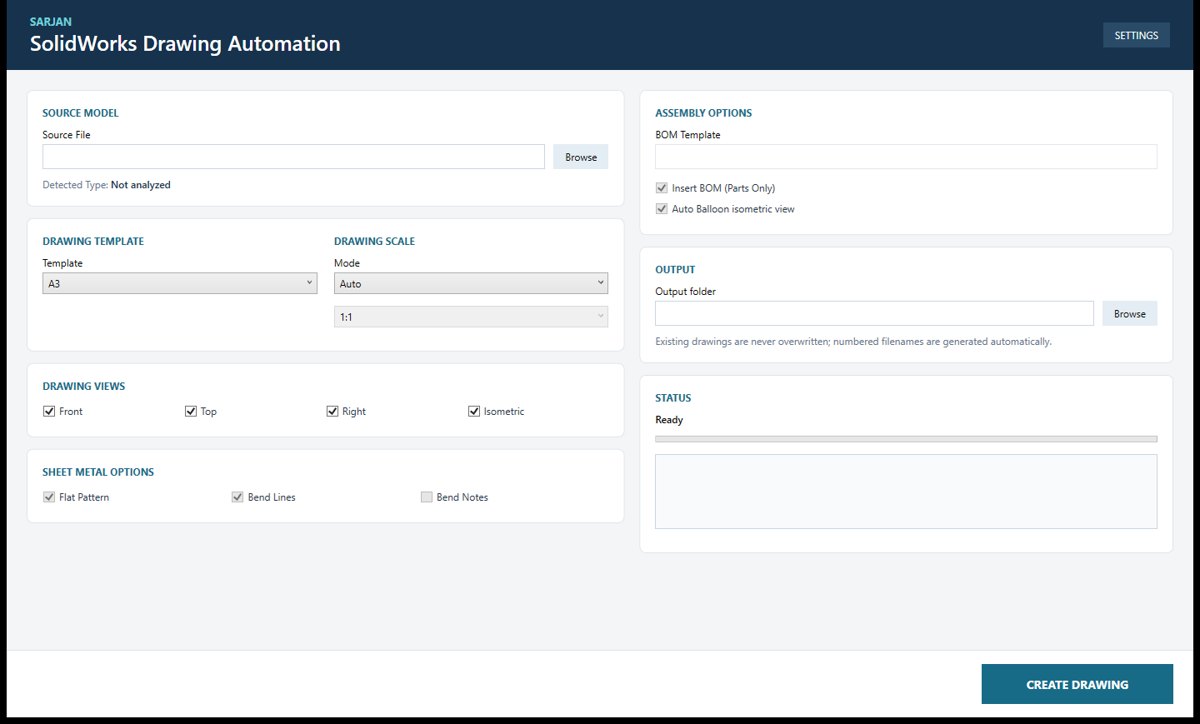
Automatic Drawing Creation
Creates a complete drawing from a 3D part or assembly in one click, with views, scale and parts list already in place.
New Service
We automate the repetitive work in engineering, from SolidWorks drawings and DXF exports to registers, reports and trackers. These are tools we build and use in our own design office, and they can be tailored to yours.
Service Overview
In most design offices, a large share of the week goes on work that follows rules: exporting flat patterns, issuing PDF packs, updating title blocks, copying values from PDFs into Excel, and keeping trackers current. It is slow, and it is where mistakes creep in.
We are a CAD design company first, so we know which steps can be handed to software and which need an engineer. We build tools that take care of the routine work, so your engineers can focus on design.
What We Automate
Each stream starts from the same question: which part of this job follows a rule? That part goes to software, and the judgement stays with your engineers.
Drawings, exports, conversions and title-block changes done automatically across a whole project, with every result checked.
The repetitive work around engineering — registers, trackers, reports, PDFs and spreadsheets — handled by tools that read your documents and fill your templates.
When no off-the-shelf product fits, we design and build one — desktop application, engineering calculator or AI-assisted workflow — around your standards, templates and naming rules.
Where AI Fits
AI helps with reading and sorting information. The engineering itself is always checked, so results are exactly right.
Documents, PDFs and scans are read and the useful information picked out.
The information is sorted and matched to your own templates.
Drawings, files and reports are produced automatically.
Results are checked, and anything unusual goes to your engineer.
Portfolio
A selection from our in-house automation library. Each one replaced a job that used to be done by hand.
Creates a complete drawing from a 3D part or assembly in one click, with views, scale and parts list already in place.
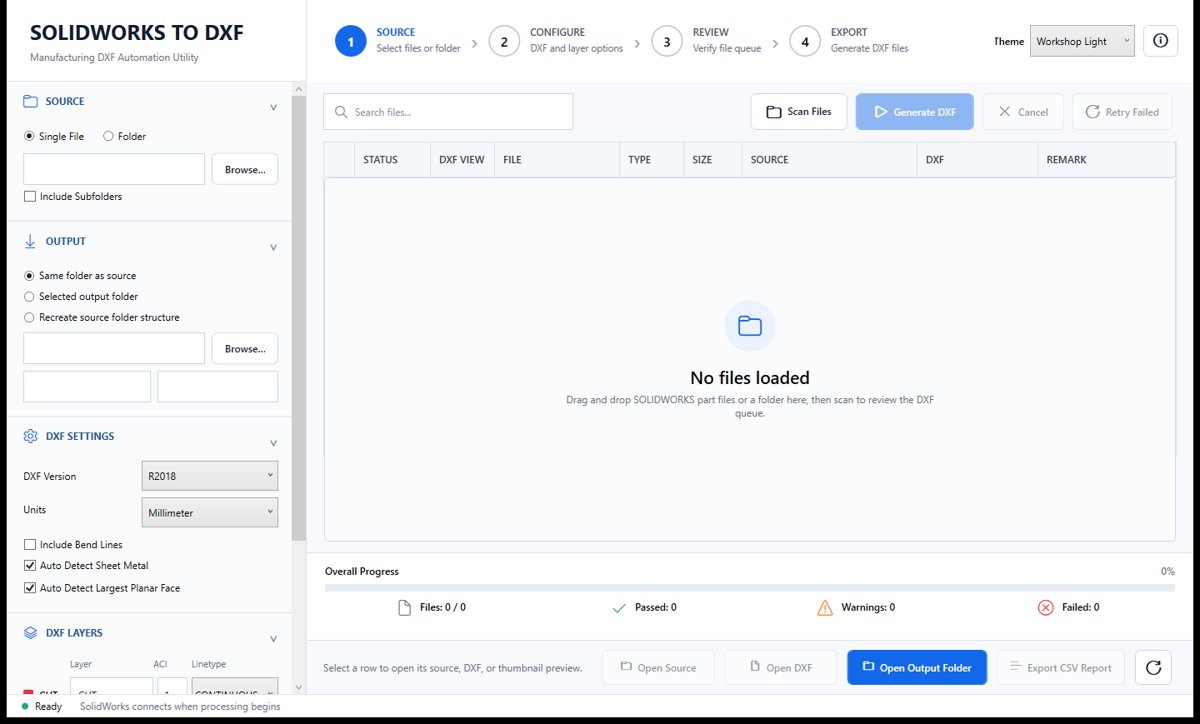
Exports a whole folder of sheet-metal parts to cutting-ready DXF files in a single run.
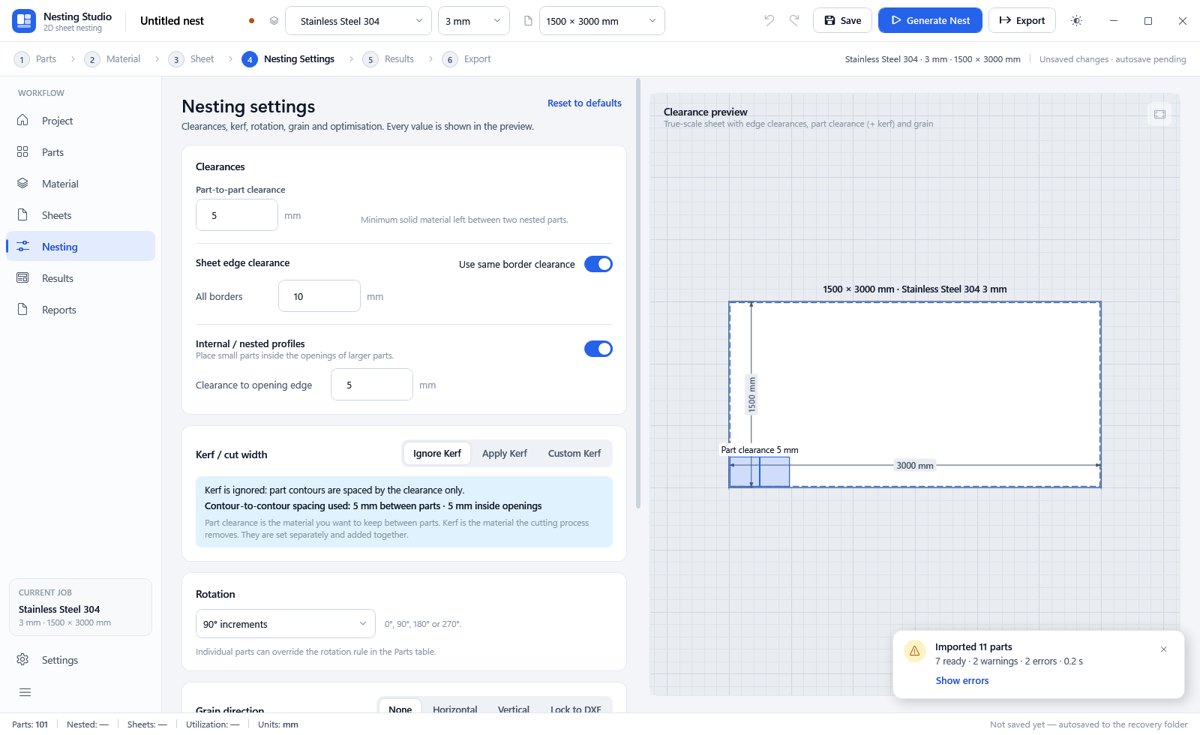
Arranges parts on sheet material to save material and time, and produces the files for cutting.
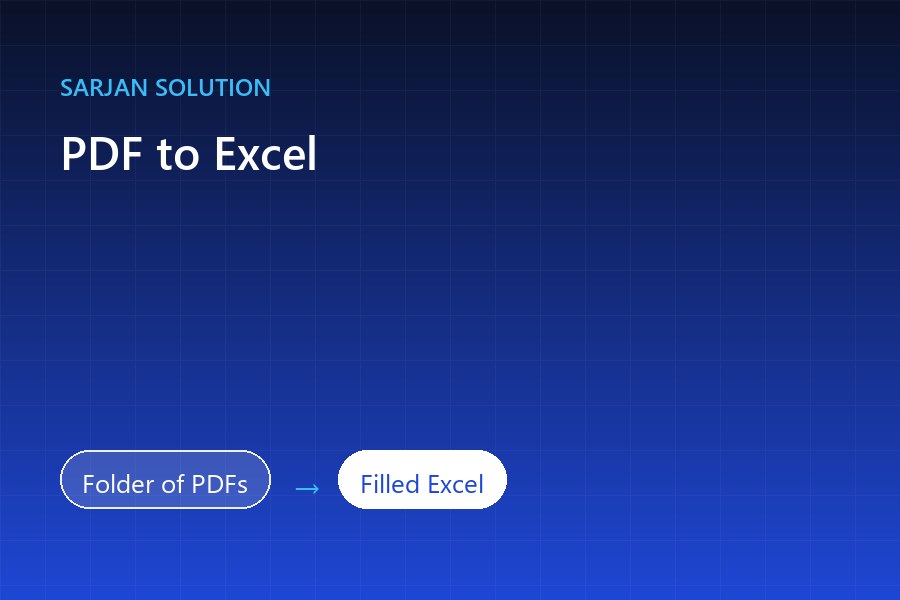
Reads a folder of PDFs and fills your own Excel register or tracker automatically.

Helps engineers choose the right bearings for a shaft layout, with a report to keep.
How We Work
You show us the task and send sample files. We map every step and every exception.
We agree what the tool will do and what result you can expect.
The tool is built and tested on copies of your real files before it touches a live project.
You get a ready-to-use tool, a user guide and a walkthrough, with ongoing support.
FAQ
Send a short description and a sample file. We'll tell you what can be automated and quote within one business day.