
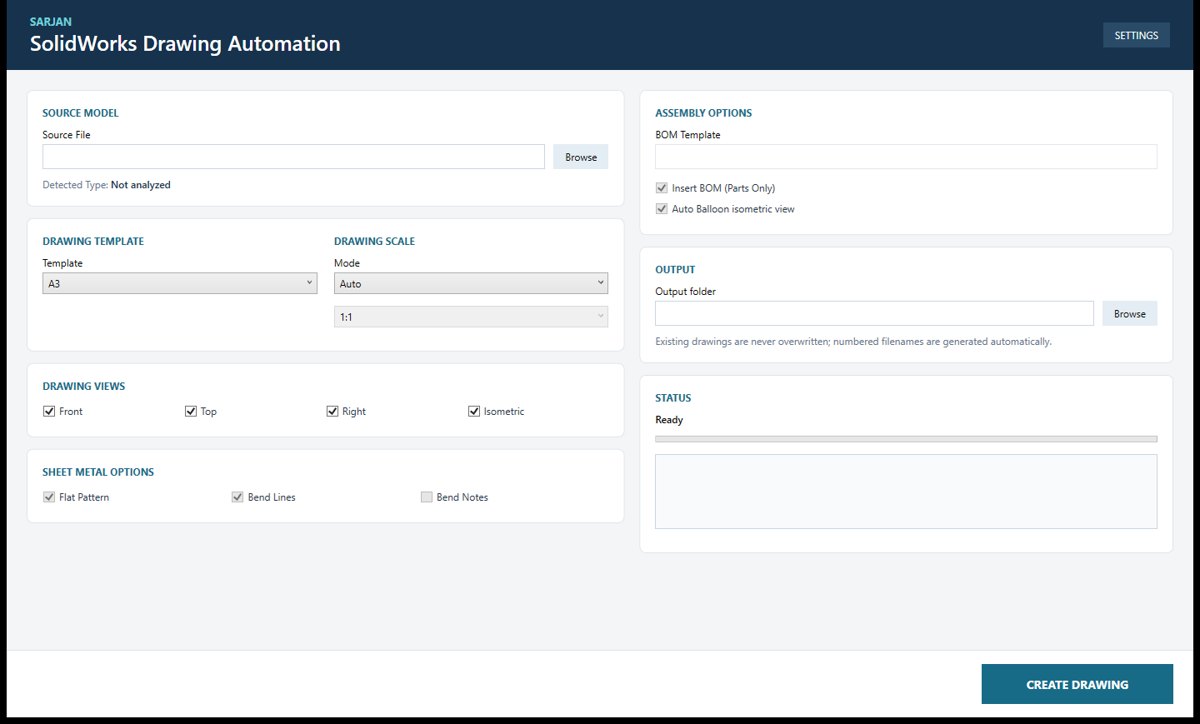
Automatic Drawing Creation
Creates a complete drawing from a 3D part or assembly in one click, with views, scale and parts list already in place.
Automation portfolio
Every tool below was built to remove repetitive work from our own projects: creating drawings, exporting cutting files, converting versions, filling registers, tracking jobs. They are now offered to clients as a service, configured around your templates, naming rules and standards. Public descriptions stay at overview level by design.
CAD Automation
Drawings, exports, conversions and title-block changes done automatically across a whole project, with every result checked.
Creates a complete drawing from a 3D part or assembly in one click, with views, scale and parts list already in place.
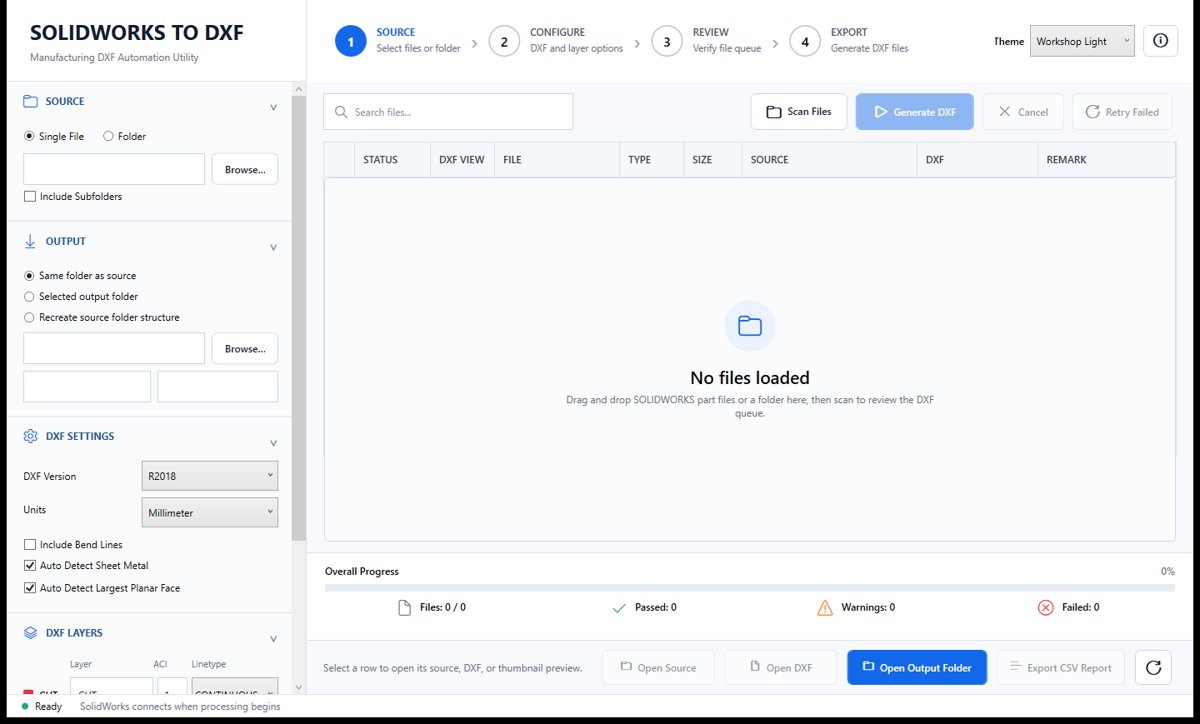
Exports a whole folder of sheet-metal parts to cutting-ready DXF files in a single run.
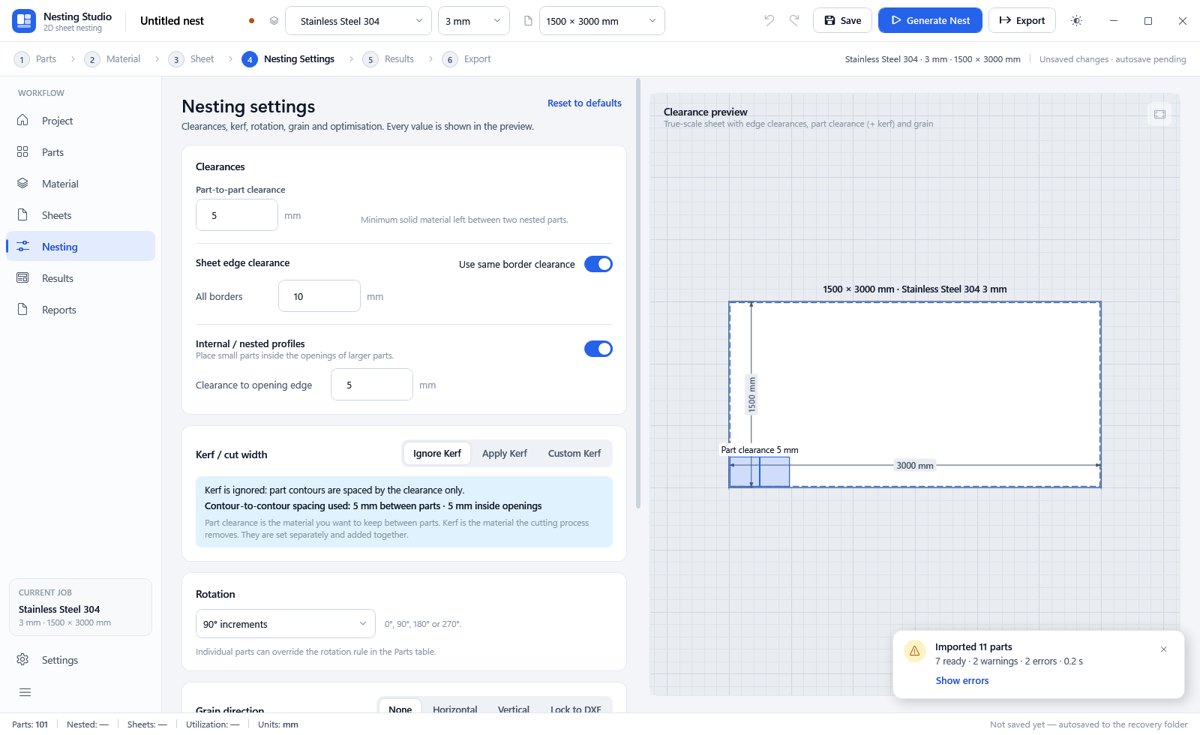
Arranges parts on sheet material to save material and time, and produces the files for cutting.
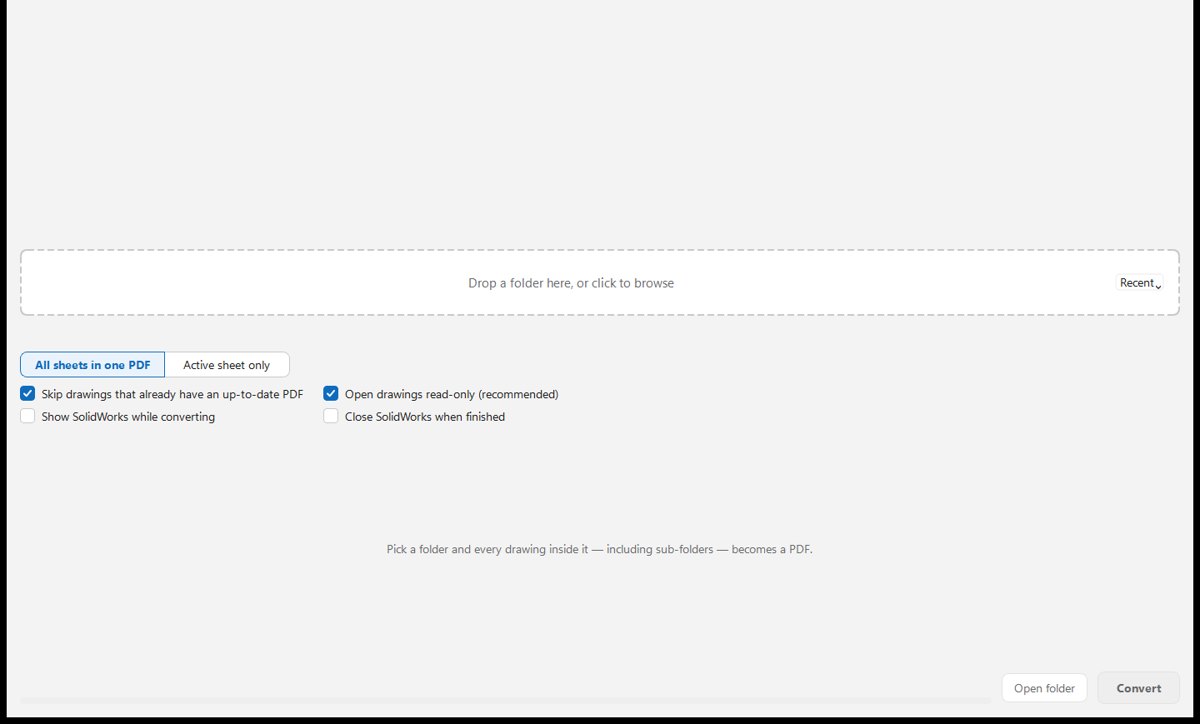
Turns every drawing in a project folder into a PDF with one click, ready to issue.
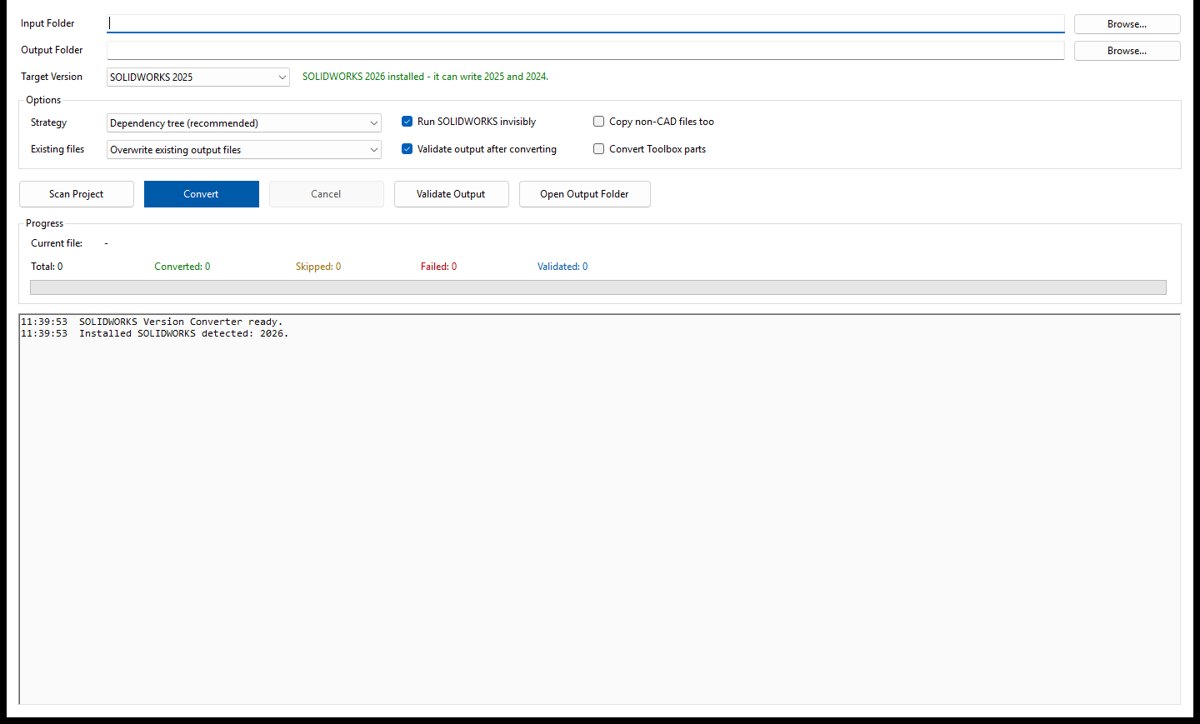
Saves a complete CAD project in an older software version, so customers on older releases can open it.
Updates the logo in the title block of every drawing in a project at once.
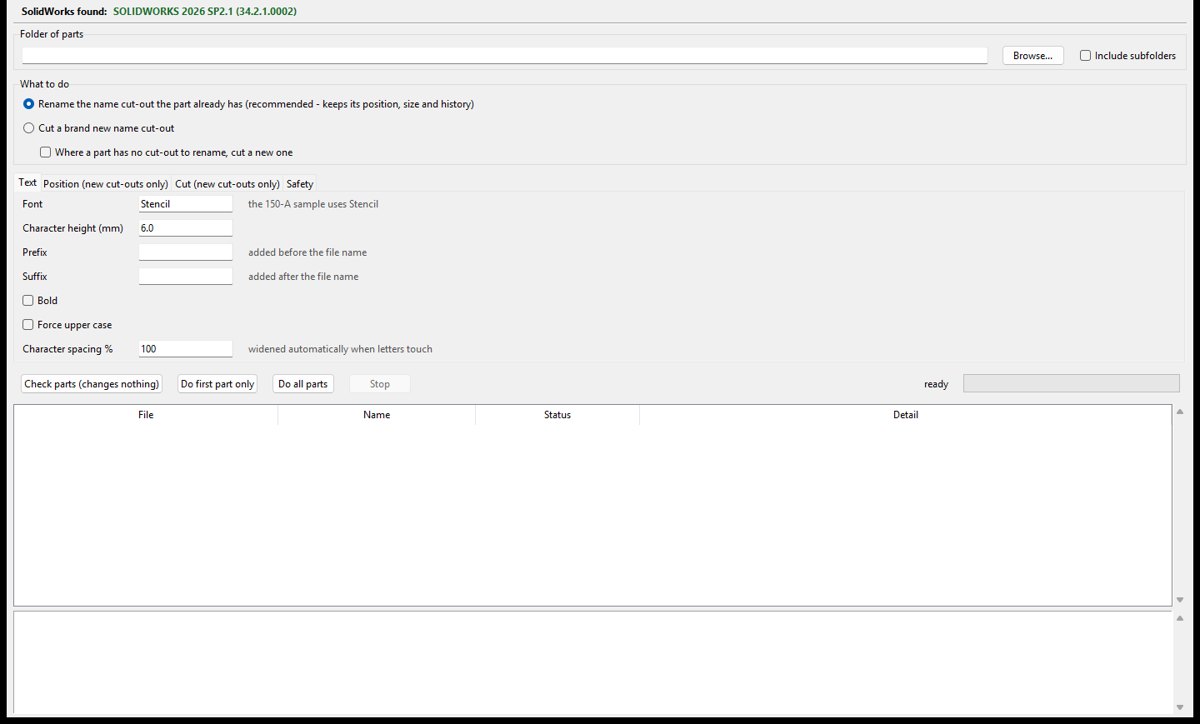
Marks each part with its own name, so cut parts can be identified on the shop floor.
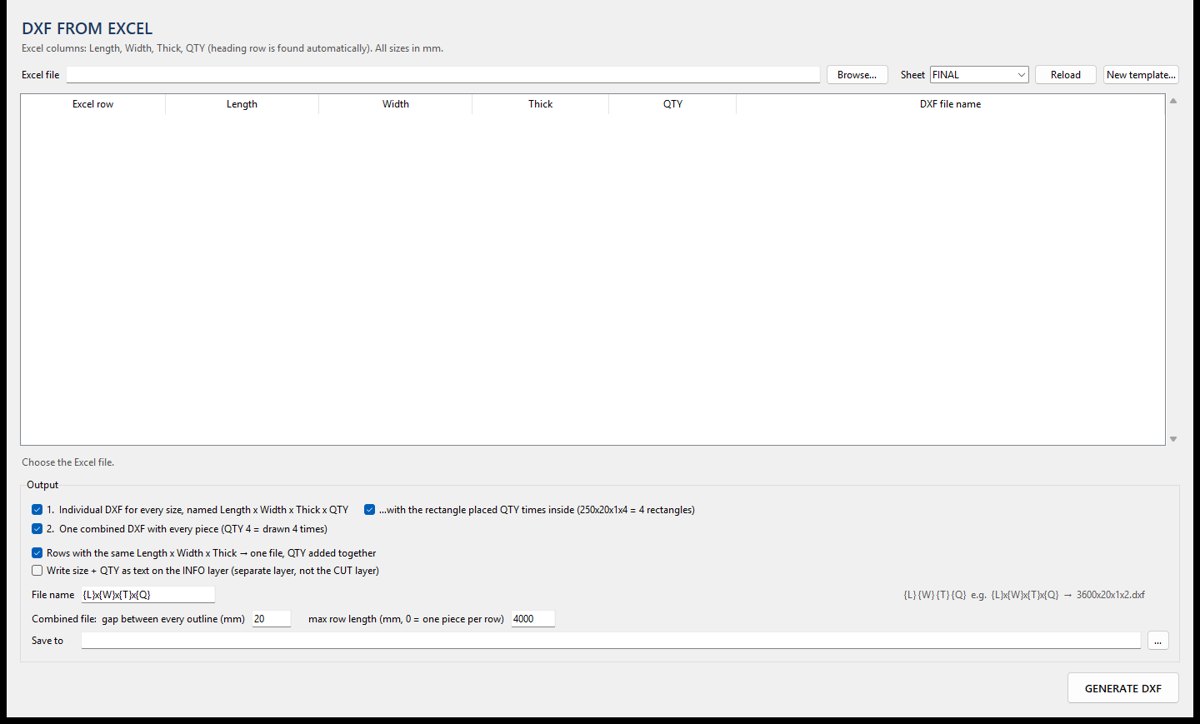
Creates ready-to-cut DXF files for plates and blanks straight from a size list in Excel.
Process Automation
The repetitive work around engineering — registers, trackers, reports, PDFs and spreadsheets — handled by tools that read your documents and fill your templates.
Reads a folder of PDFs and fills your own Excel register or tracker automatically.
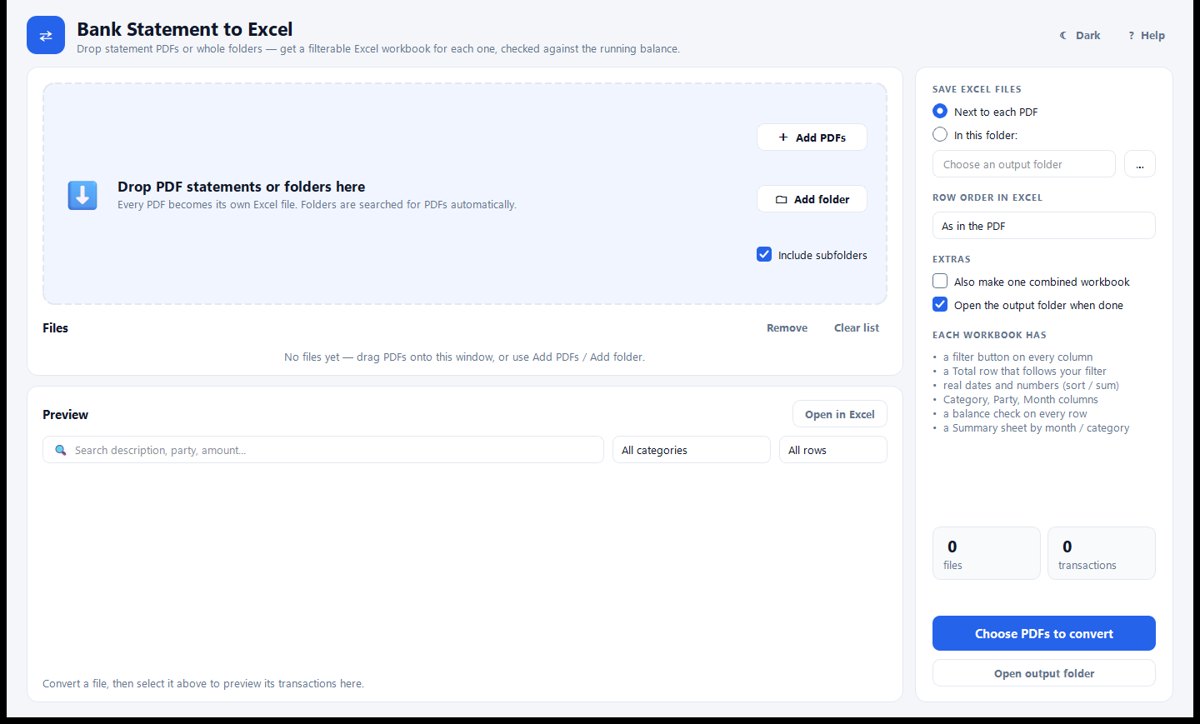
Converts bank statement PDFs into clean Excel workbooks that are easy to filter and check.
Keeps the project tracker up to date from your project folders, with no manual typing.
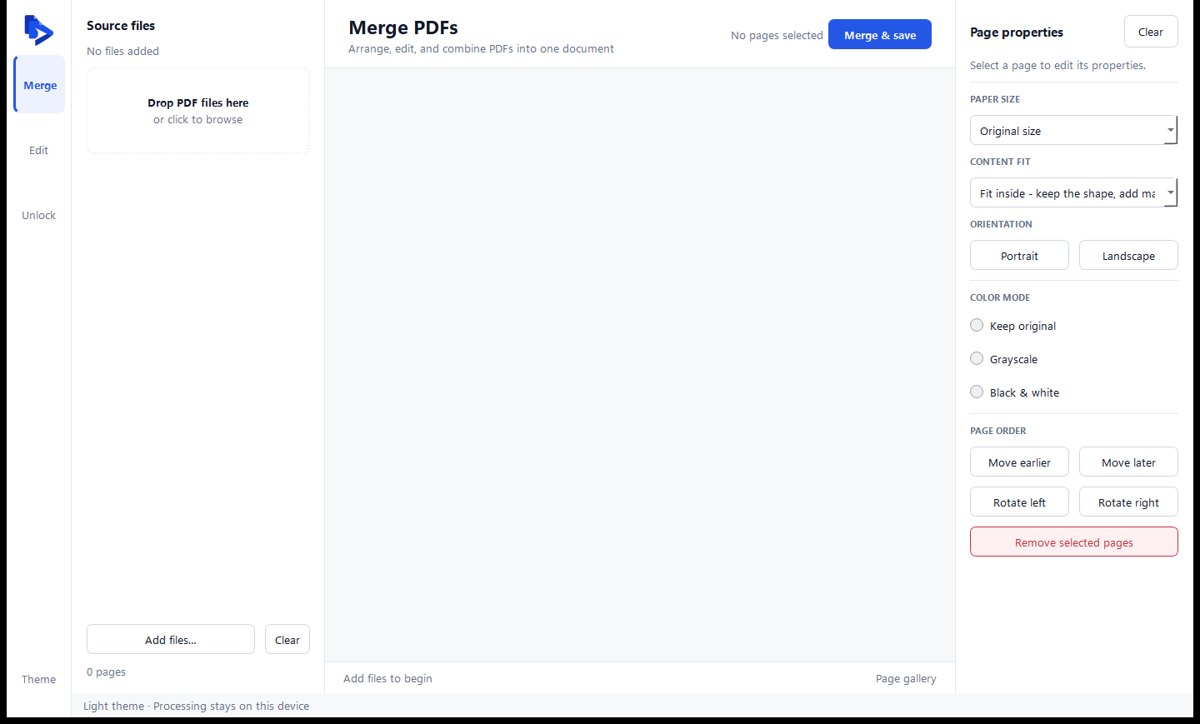
Merges, arranges and prepares PDF documents into one clean pack.
Builds an Excel index of every file in a folder, so documents are easy to find.
Custom Automation
When no off-the-shelf product fits, we design and build one — desktop application, engineering calculator or AI-assisted workflow — around your standards, templates and naming rules.

Helps engineers choose the right bearings for a shaft layout, with a report to keep.
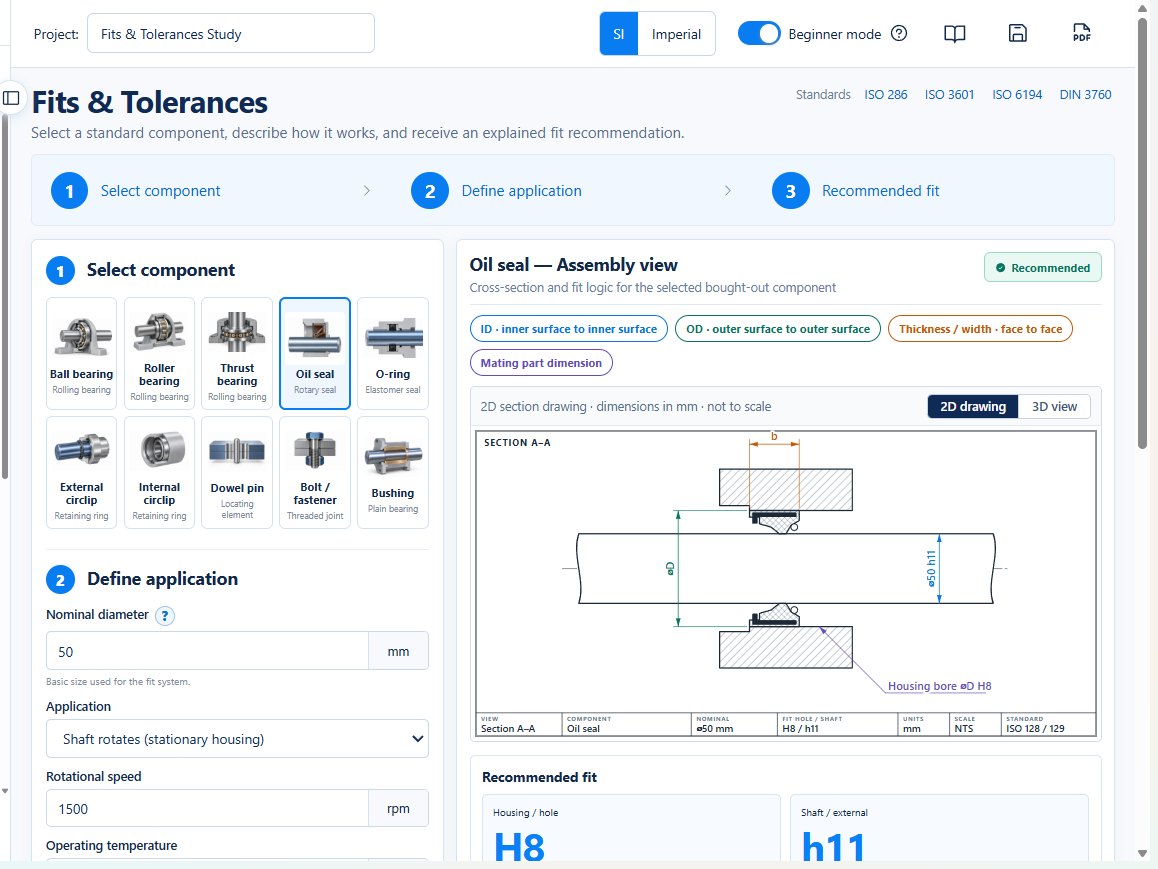
Everyday mechanical design calculations brought together in one easy-to-use application.
Creates branded estimates and invoices and keeps track of payments in one place.
Describe the task and the files involved; we will tell you whether an existing tool fits or a custom one is needed.